Spine Atlas Parser
A Godot 4 editor addon that turns a Spine packed atlas export into ready-to-use SpriteFrames bundles, anchoring each frame on Spine's pivot data. A lightweight AnimatedSprite2D alternative to a full Spine runtime for simple or trash-mob enemies.
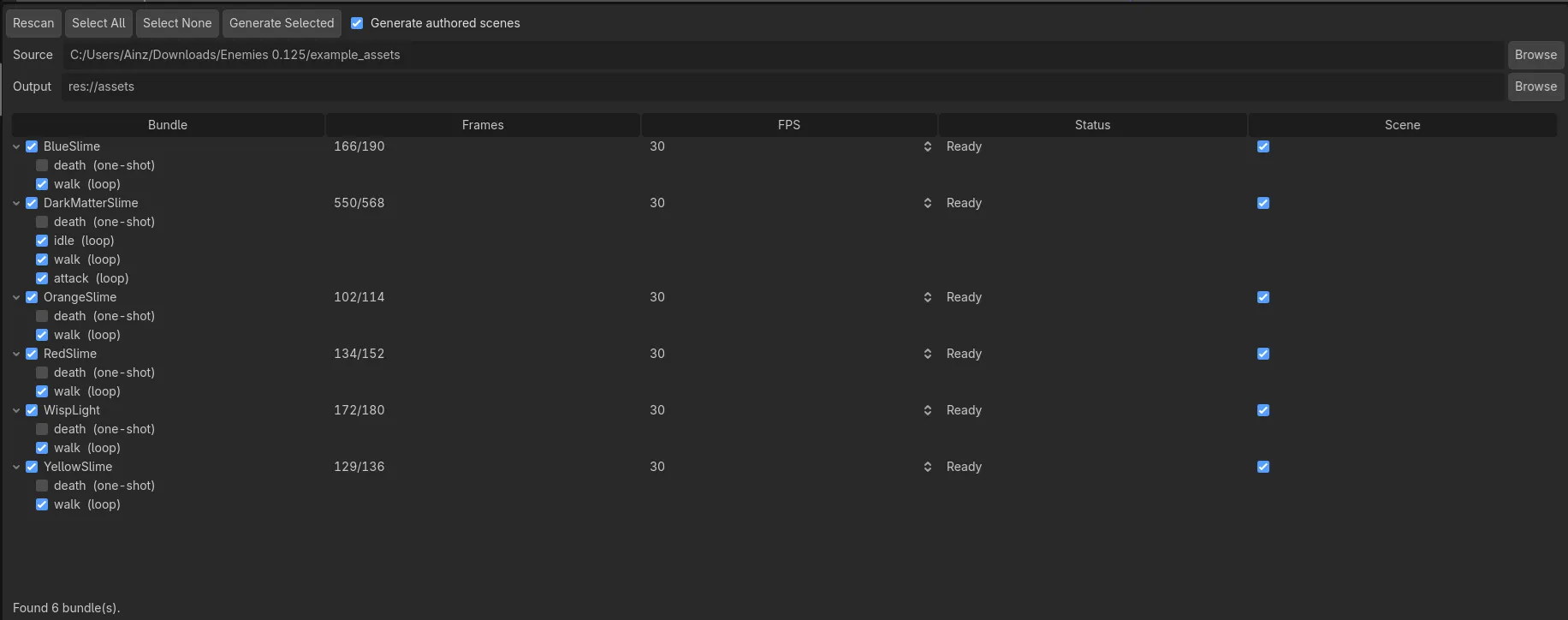
The Spine Atlas Parser editor dock: scanned bundles with auto-detected per-animation loop and one-shot flags.
What it does
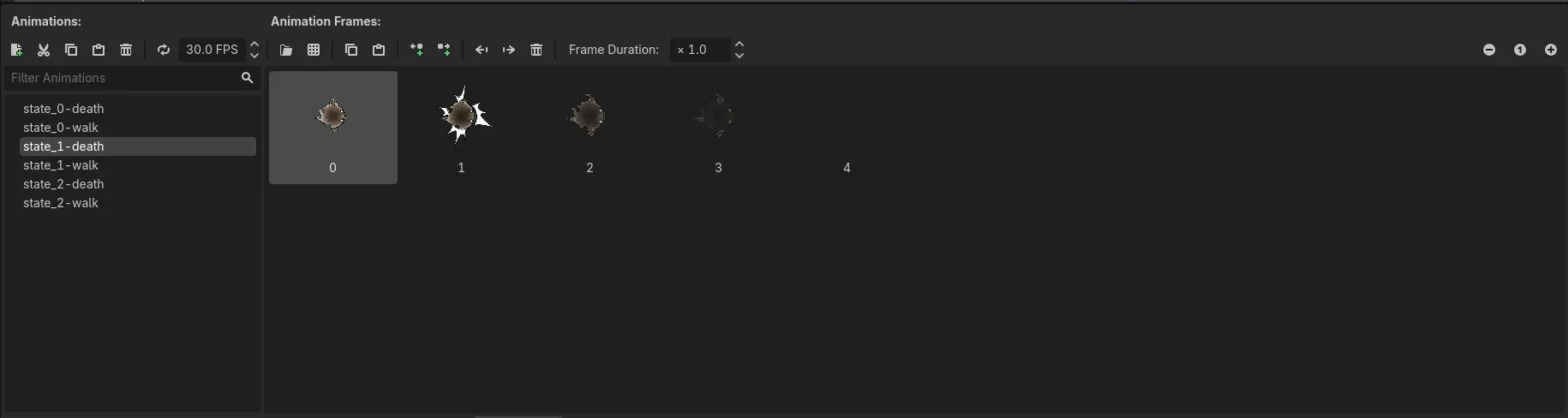
Spine Atlas Parser de-packs a Spine packed atlas (the page images plus the .atlas sidecar) and re-packs every frame into one engine-friendly texture page, building a SpriteFrames bundle per enemy. Each frame is anchored on Spine’s origin pivot, resolved per animation, so sprites stay correctly placed without hand-tuning offsets. It is a lightweight AnimatedSprite2D-based alternative to a full Spine runtime, aimed at simple or trash-mob enemies where skeletal playback is more than the art needs.
Why I built it
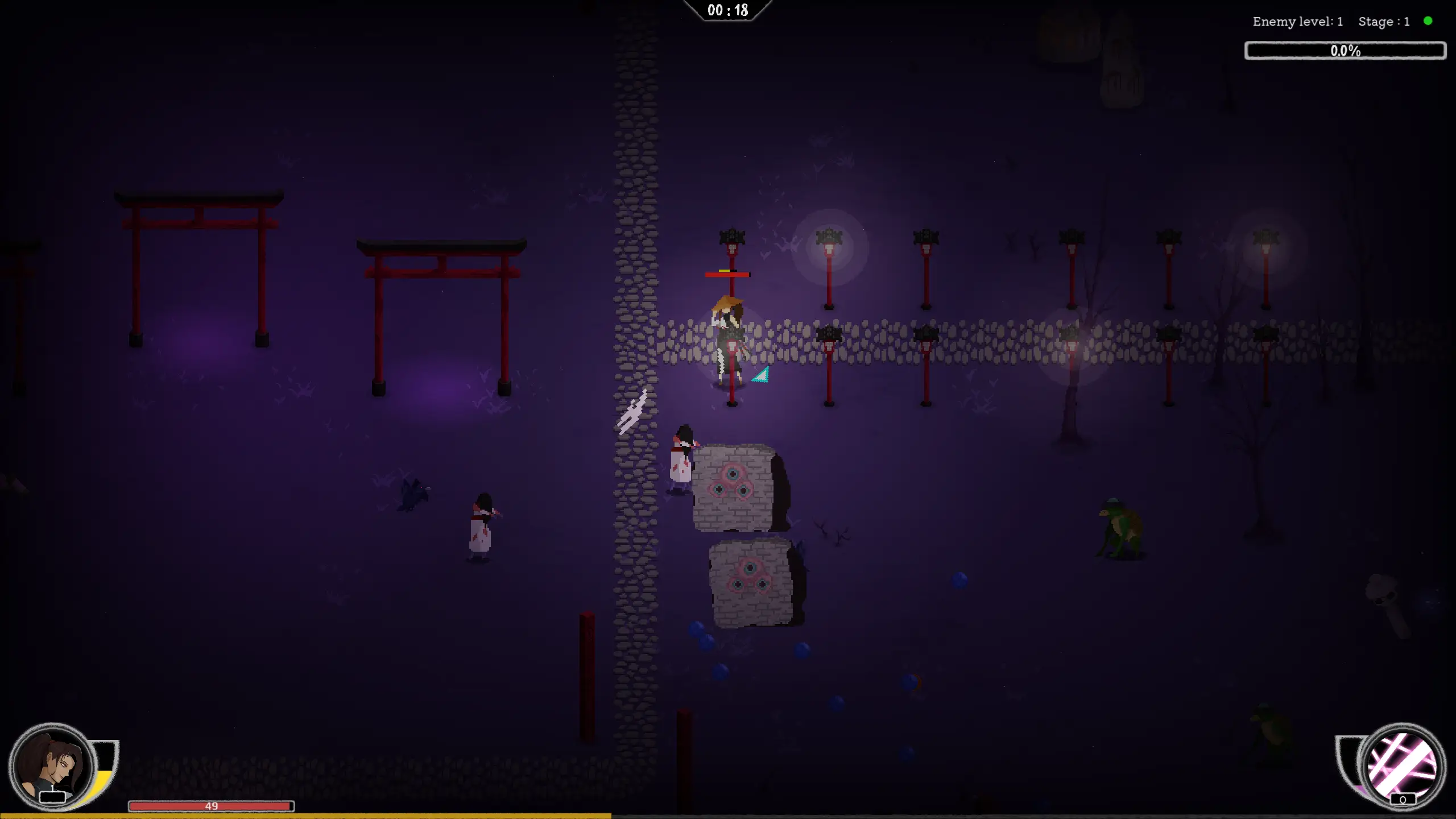
I built this while working on ExalTD, a contract tower-defense game that puts up to a few hundred animated entities on screen at once. Every one of them was authored in Spine, and pushing that many skeletons through the Spine runtime was a serious performance problem. Most of those entities (trash mobs, ambient creatures) never needed skeletal playback at runtime, so I moved them to plain spritesheets: the smallest viable export, animated as ordinary frames, trading a little extra VRAM for a large CPU win.
The catch was the export. Spine’s packed atlas keeps size and VRAM down, but the frames come out rotated, offset, and scattered across the sheet, and wiring them back into Godot by hand is slow and easy to get wrong. Turning packing off just trades that for bloated, wasteful sheets. So I wrote this addon to read the .atlas directly and rebuild the animations automatically, keeping the packed export’s efficiency while handing the animation pipeline back its quality of life.
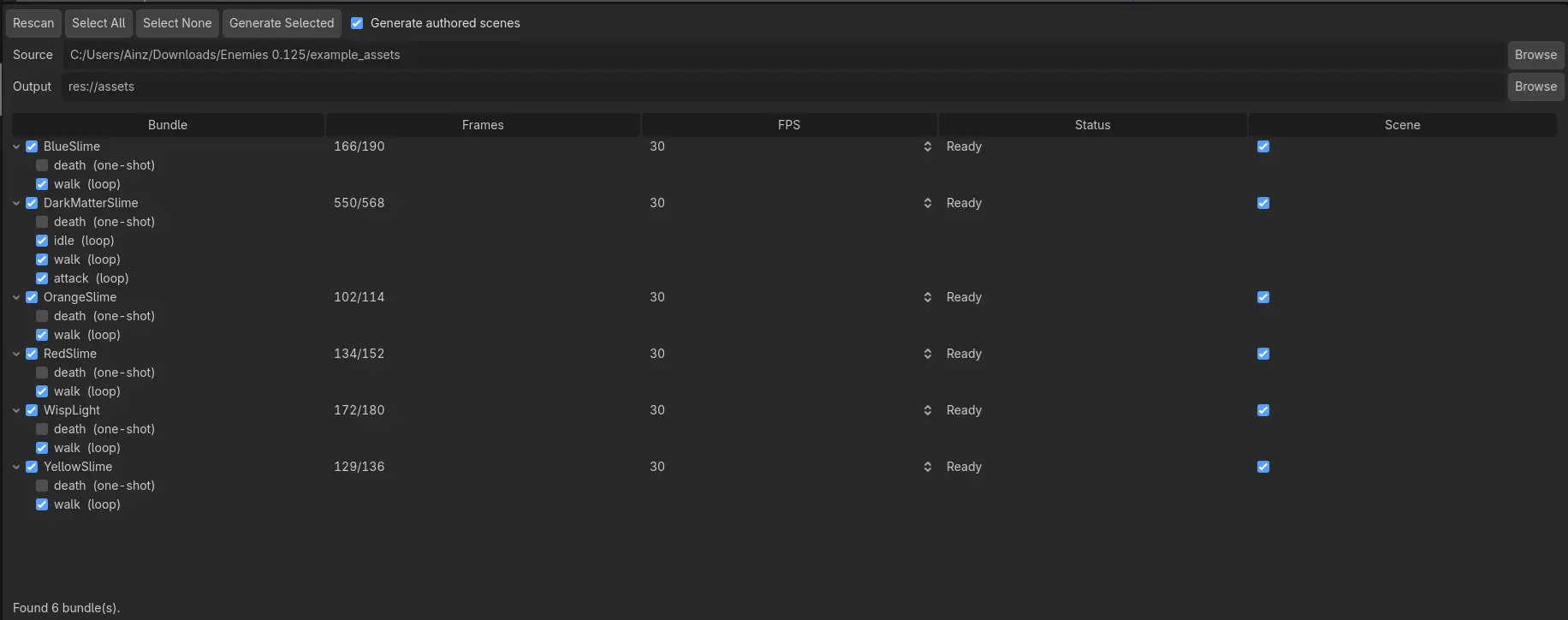
The payoff was concrete. On the same wave in ExalTD, the scene went from roughly 2,800 draw calls to 500 and its 1% low rose from 18 to 83 FPS, for a small increase in video memory (about 1.4 to 1.6 GB). That is exactly the trade I was after, and you can drag through the before and after below.
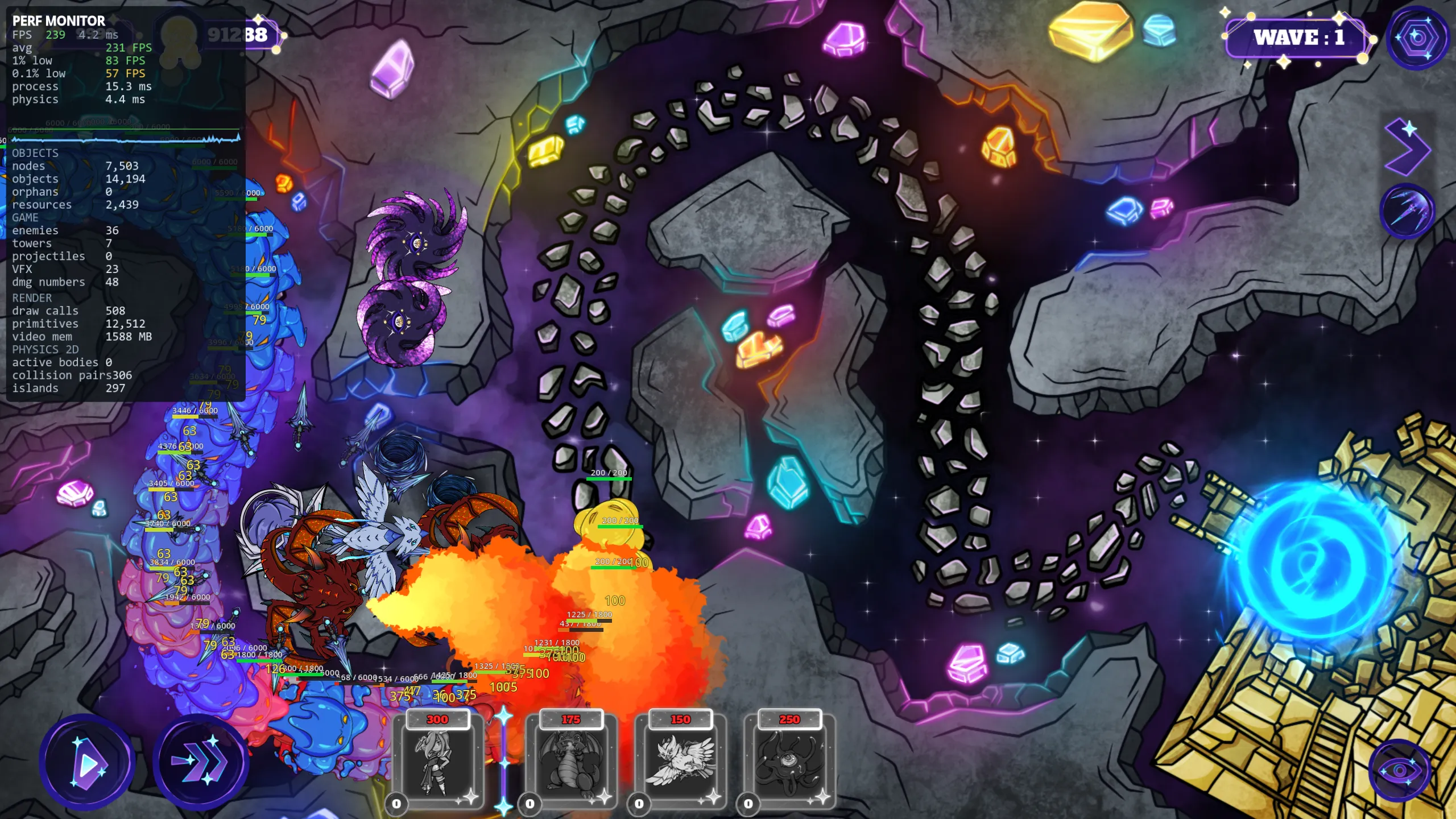
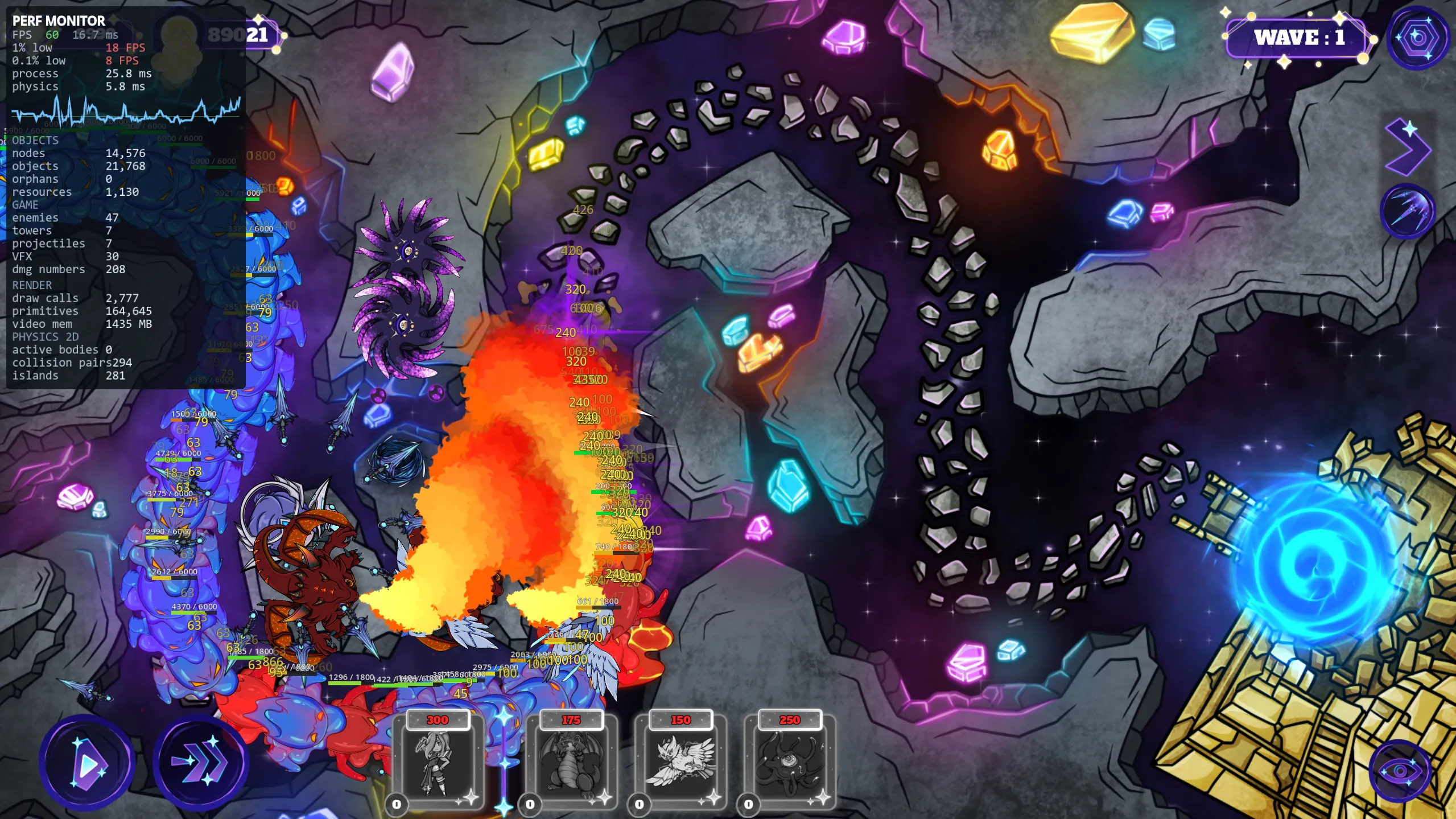 Spine runtime Spritesheets
 Features
- Preserves Spine’s identical-frame deduplication, so multi-state enemies stay small.
- Auto-detects loop vs one-shot per animation from its name (
death,hit,spawndefault to one-shot, everything else loops), with a per-animation override in the dock. - Optionally emits a ready-to-instance
<bundle>.tscnnext to each<bundle>.res. - Supports both straight-alpha and premultiplied-alpha (PMA) exports.
- Outputs binary
.resbundles for fast cold loads on web and mobile.
Requirements
- Godot 4.4 or newer.
- A Spine packed (atlas) export: page images plus the matching
.atlassidecar, exported with packing on and rotation off.
Install
- Copy
addons/spine_atlas_parser/into your project’saddons/folder. - Enable the plugin in Project Settings, Plugins.
Usage
Open the Spine Atlas Parser dock, pick the source (Spine export) and output (in-project) folders, then scan to list the bundles found. Per bundle, set the FPS and whether to also emit an authored scene, then generate to produce a <bundle>.res (and, optionally, a <bundle>.tscn).
To use a bundle, either instance the generated <bundle>.tscn (its root is a PackedAnimatedSprite2D already wired to the bundle) or add a PackedAnimatedSprite2D yourself, assign the .res, and play animations by name:
var sprite := PackedAnimatedSprite2D.new()
sprite.sprite_frames = preload("res://art/skeleton.res")
sprite.play("state_0-walk")
add_child(sprite)
The node applies each animation’s pivot live, so frames stay anchored as they play.